
Simple Drag & Drop Operation
Just drag images into Blayz to start working. No complex import dialogs or file format conversions needed.
A powerful yet simple macOS application
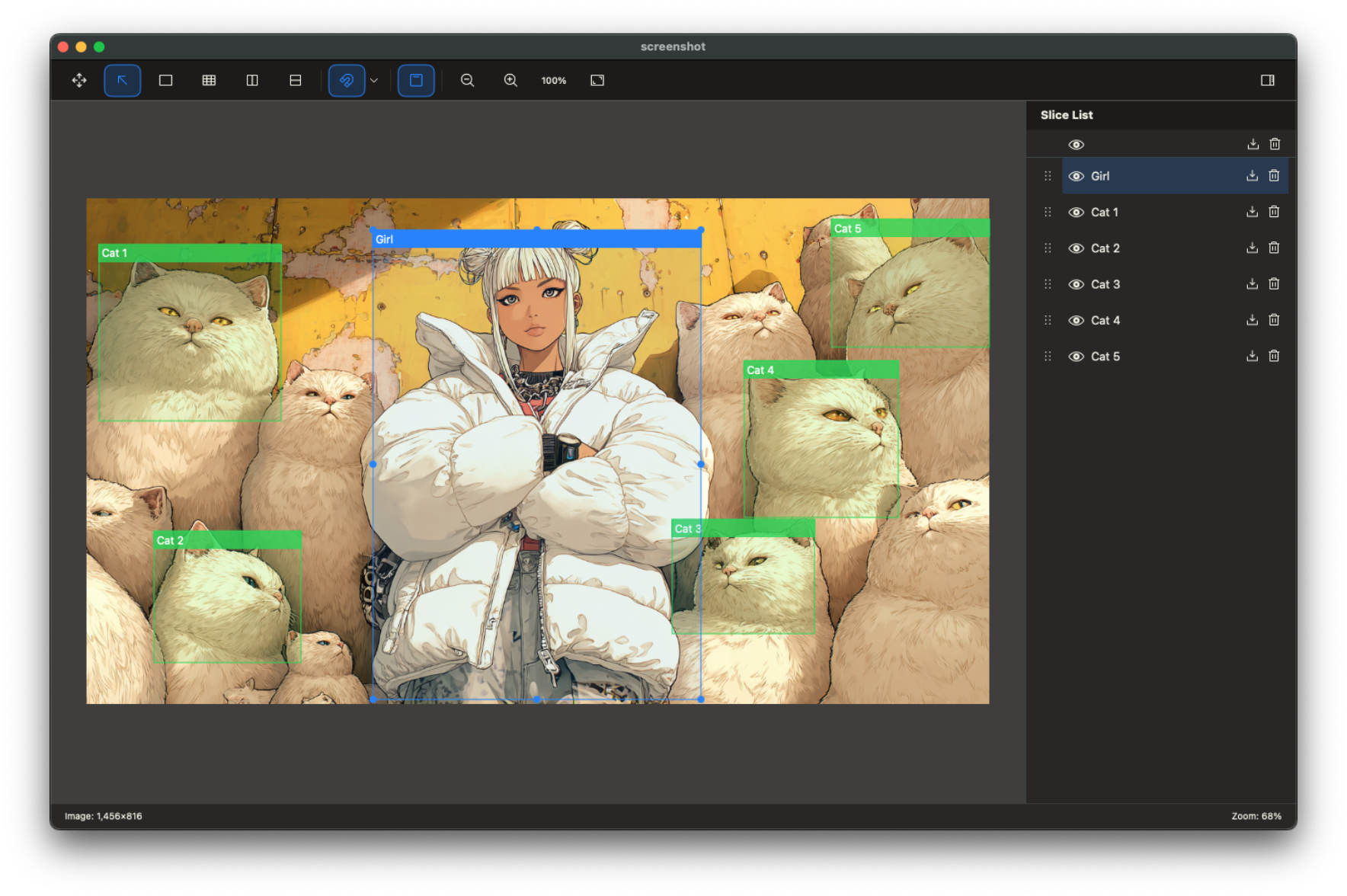
Just drag images into Blayz to start working. No complex import dialogs or file format conversions needed.
Define slice areas with pixel-perfect precision using the rectangle tool. Visual guides and real-time feedback ensure accuracy.
Split existing slices vertically or horizontally with a single click. Perfect for adjusting layouts.
Evenly divide selected slices by specifying the number of vertical and horizontal divisions. Set division counts freely from 1 to 10, enabling quick creation of grid layouts.
Save your work as a Blayz project file and continue editing later. Slice definitions, settings, and source images are preserved for future adjustments.
Export all or selected slices as individual PNG files with one click. Additionally, export all slices as a single PDF document. Convenient for sharing or printing multiple images in one file.